 Design system and AI-assisted vetting
One system for two apps, and vetting that runs itself
A US marketplace's business console and worker app were drifting apart. I built the system both ship on, and took the manual work out of vetting.
- RoleStaff Product Designer
- TimelineSep 2022 to Dec 2024
- WhereBengaluru, with US field work
Scope
- Business console and worker app, on shared primitives
- The Instawork Design System, built and governed
- AI-assisted vetting, with the data team
- The operations rules for which cases go to a person
- DData
- EEngineering
- OOperations
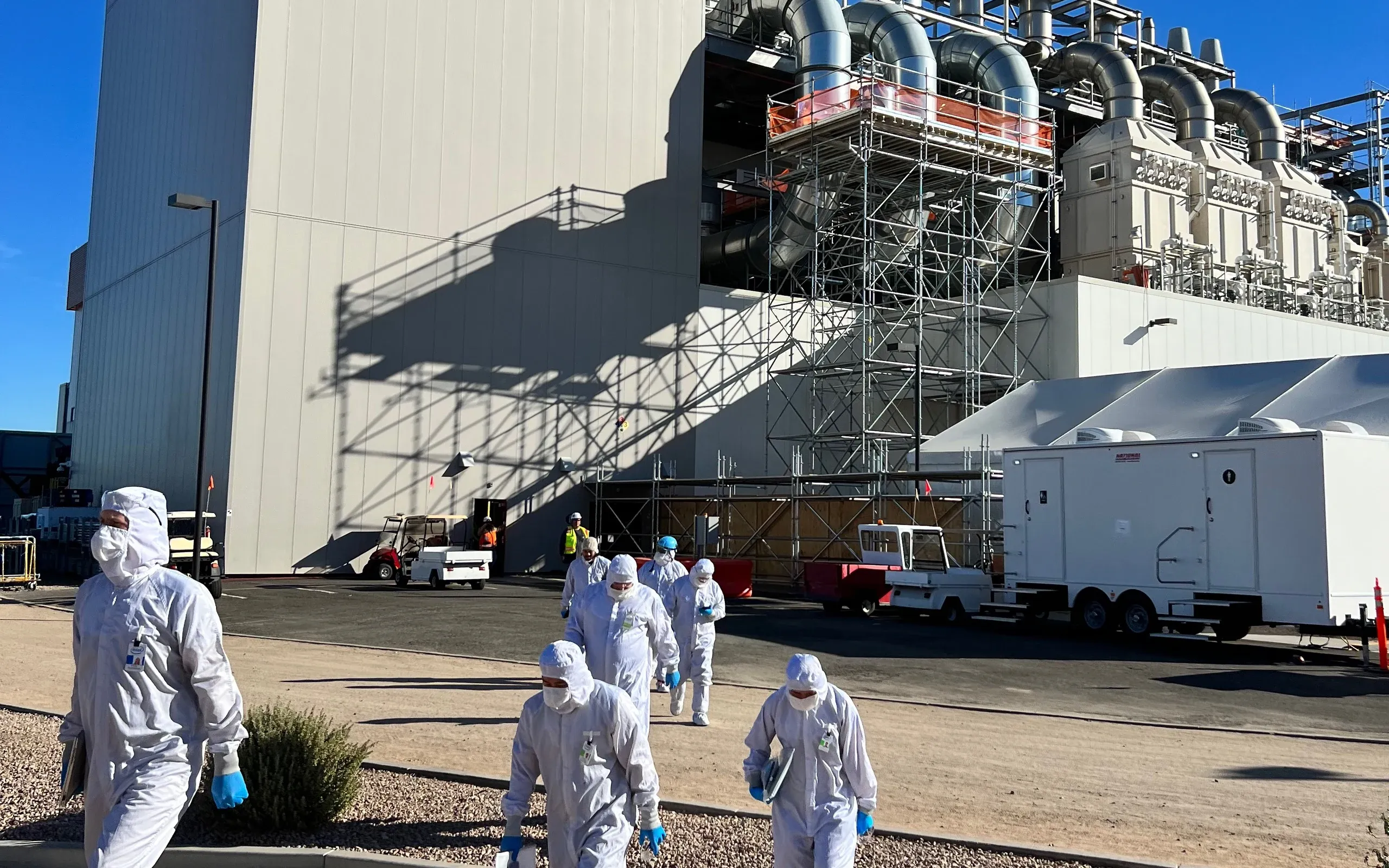
- IIntel's manufacturing teams in Phoenix
- AAZ
Why it mattered
Enterprise clients like Intel needed shifts filled reliably, and two drifting apps slowed every feature on both sides of the marketplace.
The problem
Two apps drifting apart in design and code, and vetting done by hand as operations grew.
Context
The company, the people, the goal
Instawork is a US marketplace for hourly work: businesses post shifts in a web console and workers, called Pros, find and work them in a mobile app. While I was there the company pivoted from single shifts to Long-Term Assignments, multi-week bookings for clients such as Intel.
Who it was for
- Businesses
From Intel's manufacturing floor to food packaging sites, they need a long assignment to stay staffed week after week without posting it again.
- Pros
Workers on a phone between jobs, who need to know exactly what a multi-week commitment asks of them: location, hours and pay.
- Operations
The team that vetted every Pro by hand, and needed quality to hold without a review queue that grew with every hire.
What success meant
- Business goal
Make long assignments fill reliably, take manual vetting off operations, and ship faster across both apps.
- User goal
A business trusts the assignment will be staffed; a Pro knows what they are signing up for.
Research
What we did to learn, and what we learned
- Field study 1: Intel, Arizona
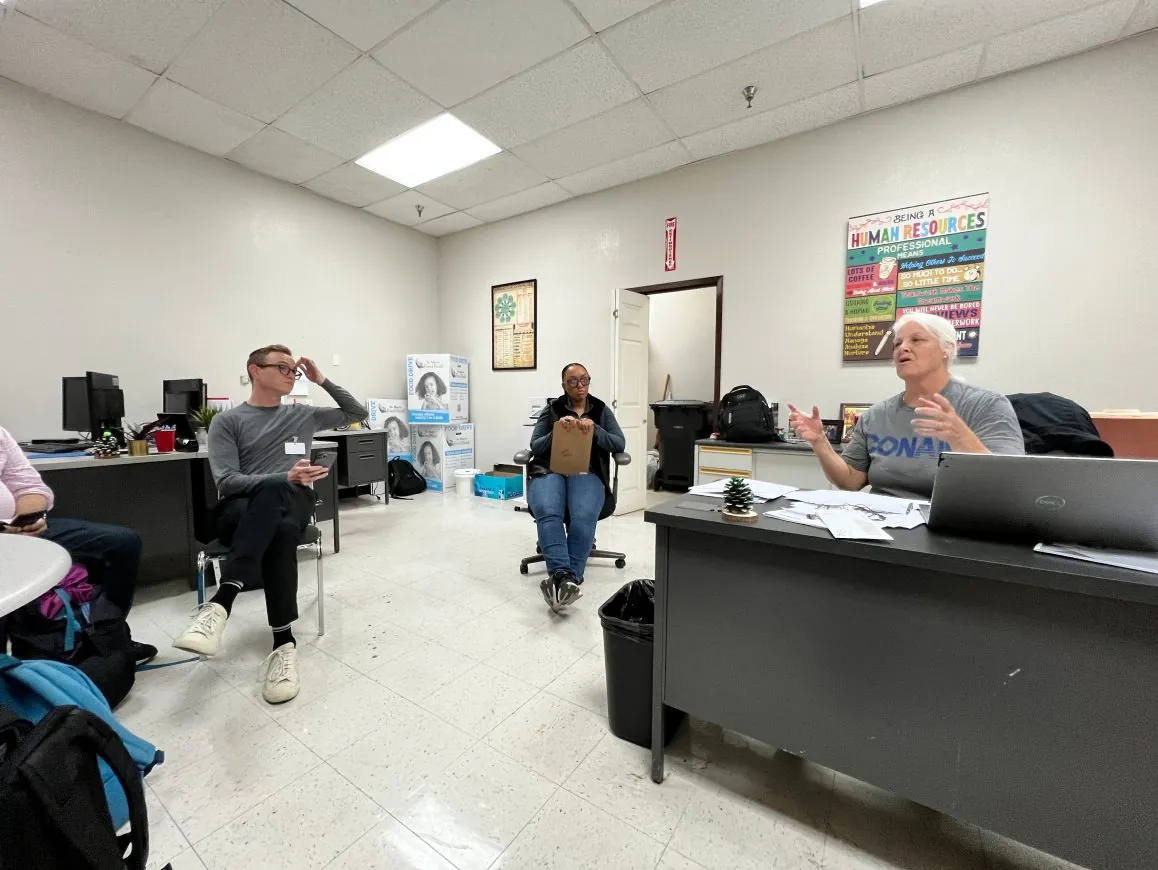
On site with Intel's manufacturing team in Phoenix and Chandler: stakeholder interviews, site visits, user interviews and a shift I worked myself.
- Field study 2: San Francisco
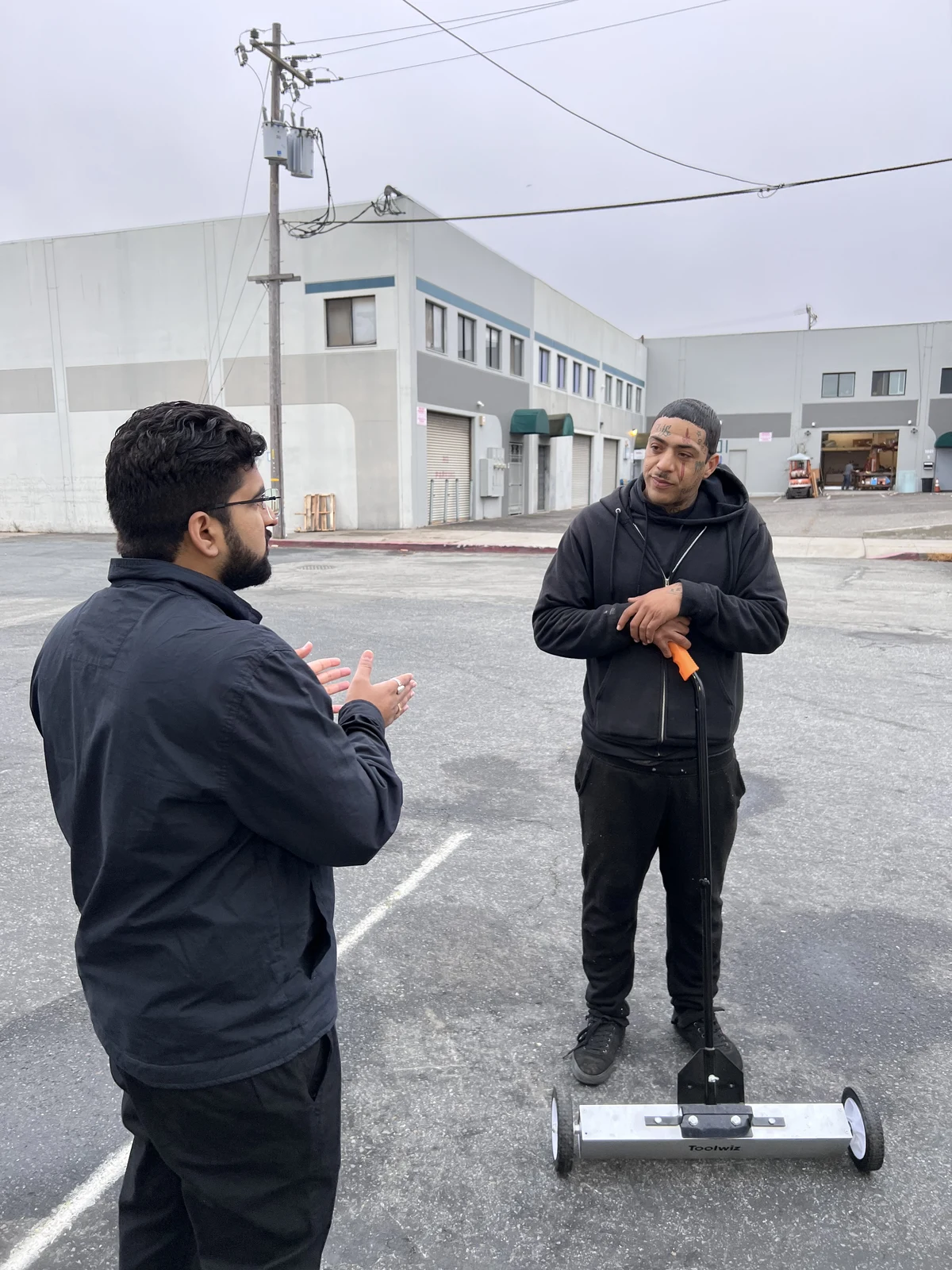
Gig workers on long-term shifts at food packaging sites in San Francisco, the worker side of a multi-week assignment.
- Two-app audit
The business console and the worker app, compared for what they truly shared: roles, permissions and states.
- Vetting walk-through
The manual vetting path mapped with operations and the data team, to separate routine decisions from the ones a person must make.
- 01
Businesses did not trust a long assignment would stay staffed
How we knowLong assignments lagged on fill, and under the old model every week restarted trust from zero with a fresh posting.
What it changedLong-Term Assignments were designed around two-sided commitment and reliability signals in the flow, not more inventory or discounts.
- 02
The two apps shared meaning, not looks
How we knowThe audit showed a shift has the same states for a business and a Pro, and a permission means the same in both apps.
What it changedOne layer of shared primitives, with a business layer and a worker layer above it, in one Figma variables library.
- 03
A wrong approval puts a worker on a client's floor
How we knowWorking through the vetting rules with operations, against clients like Intel who need reliable people on site.
What it changedAutomation clears the standard path, and operations rules send every edge case to a person.
Principles
The rules every screen followed
- 1
Reliability is the product
A long booking only works if both sides can see it will hold, so reliability sits in the flow itself.
- 2
Share meaning, not looks
Both apps share roles, permissions and states; each keeps the density its own users need.
- 3
People on the exceptions
Automation handles routine cases; a person decides anything that could put the wrong worker on site.
Process
- 01
Go to the floor
Interviews, site visits and a shift worked myself, in Phoenix, AZ.
- 02
Find what's shared
Audited both apps for shared roles, permissions and states.
- 03
Build on variables
One Figma variables library with a business and a worker layer.
- 04
Route, don't review
Automation clears standard cases. People handle the exceptions.
Key decisions
Decision 01of 03
Research on the floor
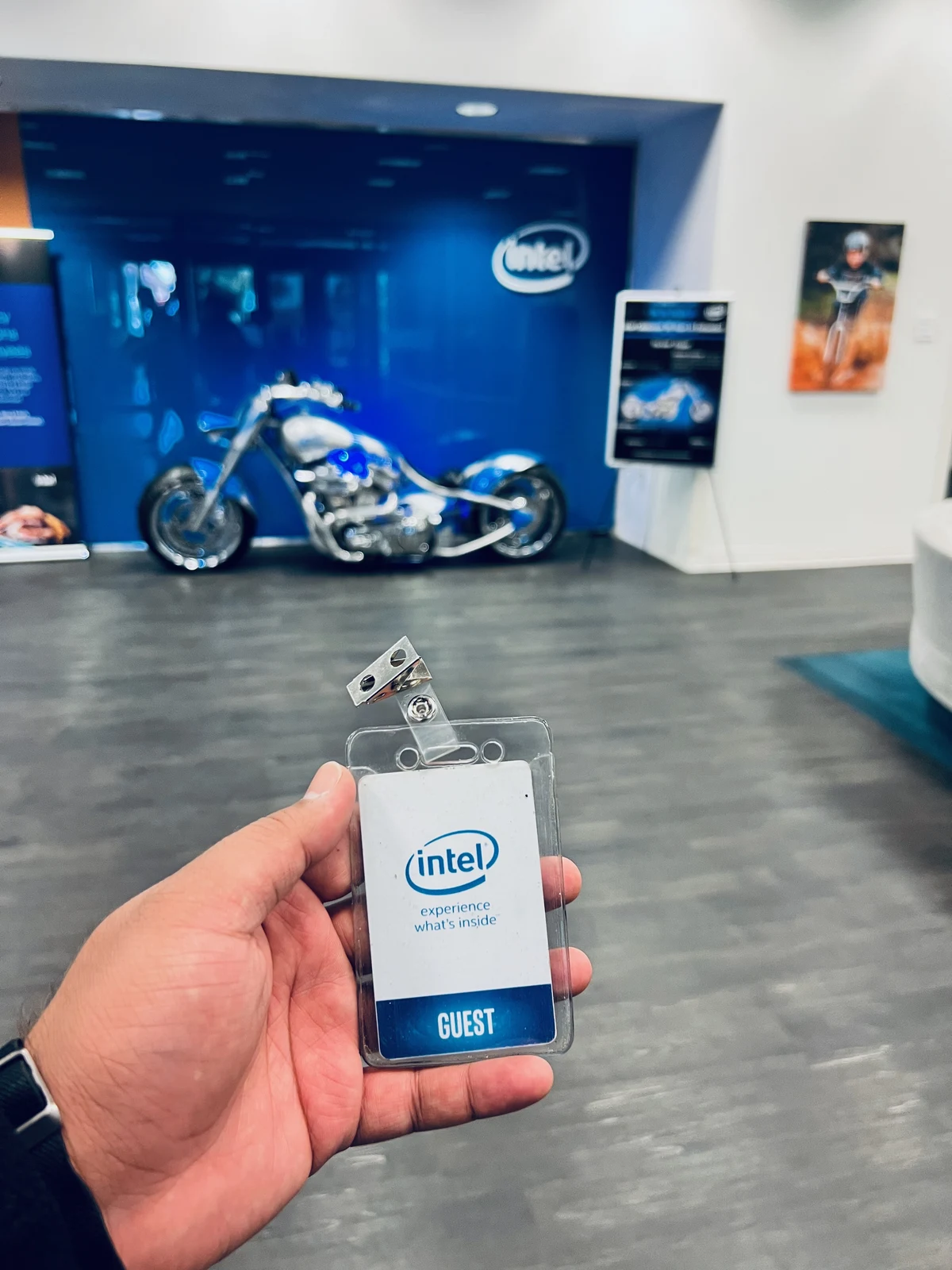
Marketplace assumptions kept failing on site. So I went to Intel's manufacturing teams in Phoenix before committing flows.

Decision 02of 03
One system, two token layers
Every handoff started from zero. One Figma variables library now carries a business layer and a worker layer.
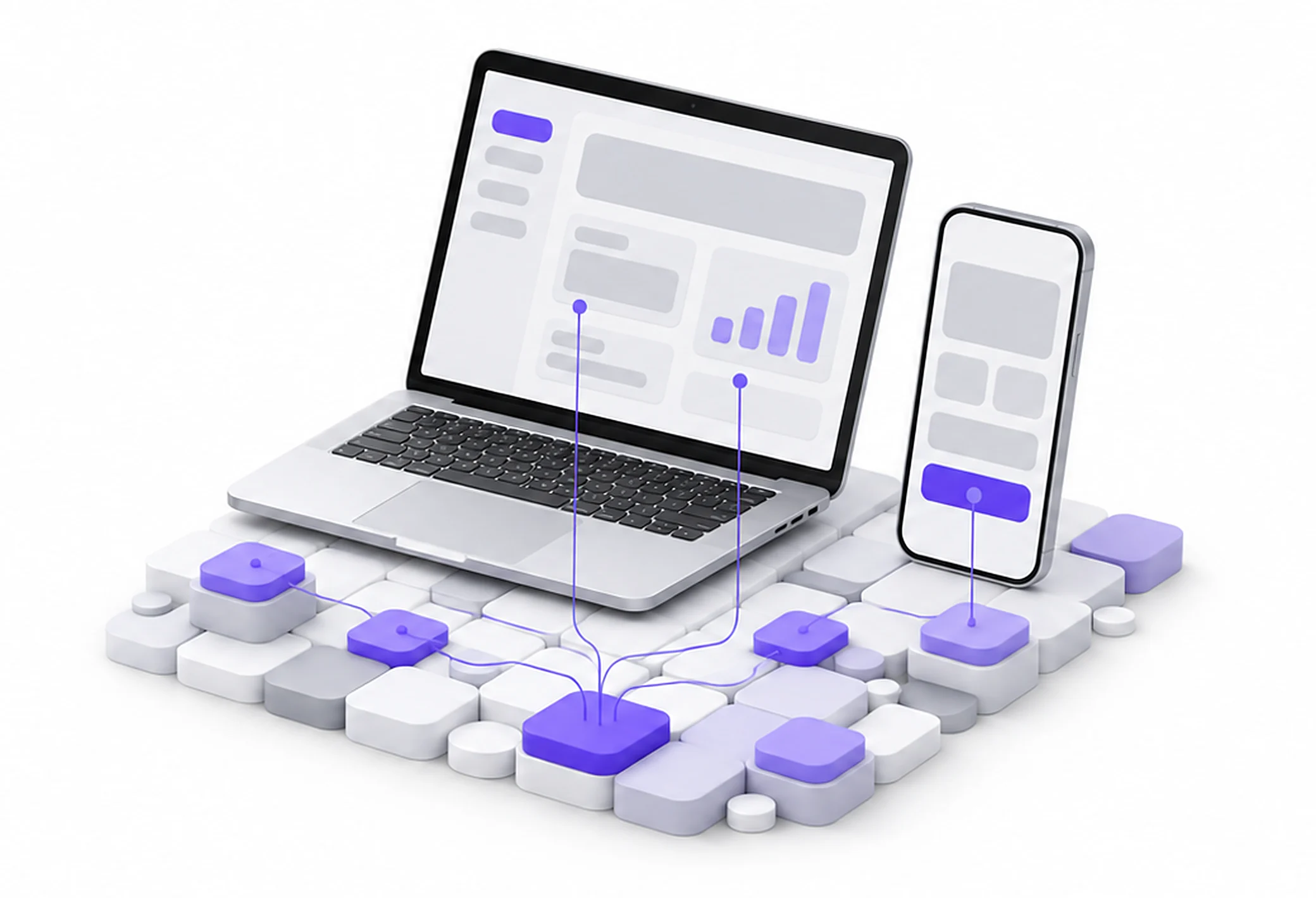
BeforeTwo apps, drifting apart
- Its own styles
- Its own components
- Its own styles
- Its own components
AfterTwo app layers on shared primitives
Decision 03of 03
Automation clears the standard path
Manual vetting grew with headcount. Now automation handles standard cases and people review the exceptions.
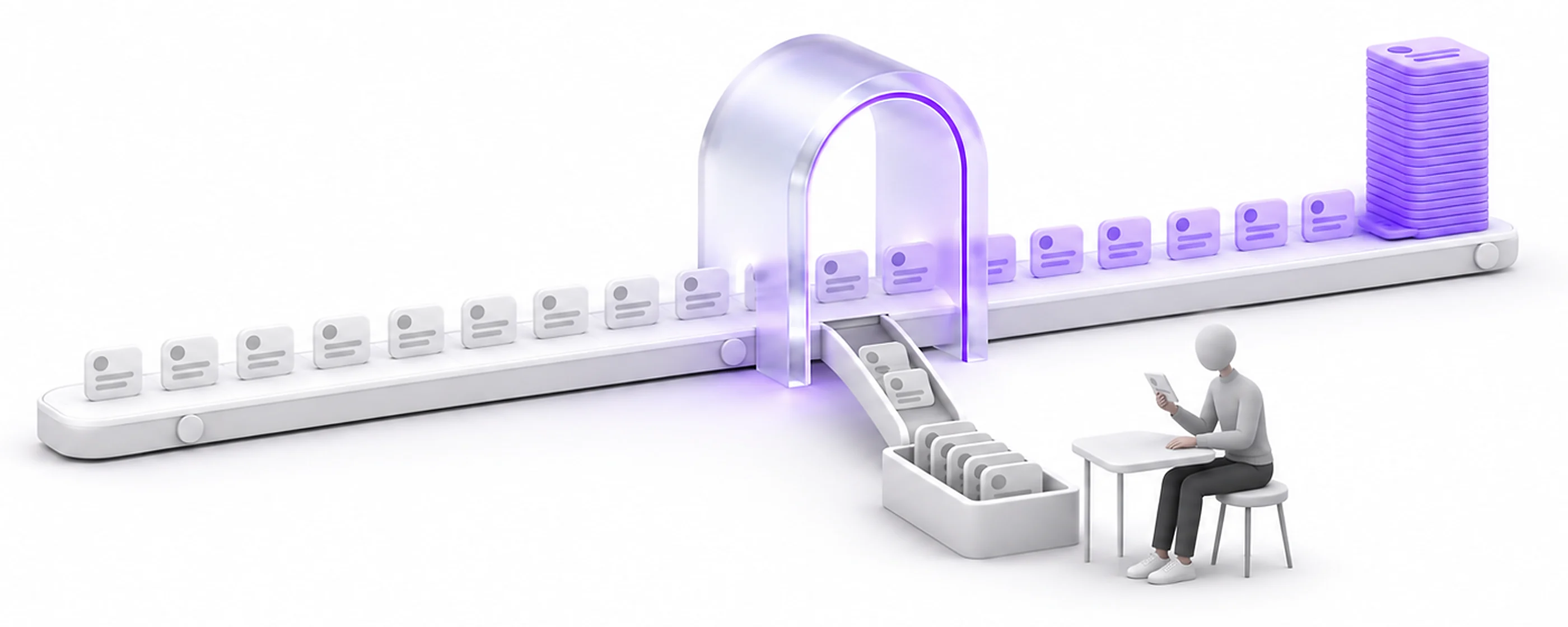
BeforeEvery worker, reviewed by hand
AfterRouting, with people on the exceptions
The journey after
End to end, as it shipped
- 1A Pro applies
Every applicant runs through automated checks and ML-assisted scoring, designed with the data team.
- 2Routed, not reviewed
Standard cases clear on their own. Operations rules send the edge cases to a person.
- 3A business books long-term
In the console, the business sets up a multi-week assignment instead of posting the same shift every week.
- 4Both sides commit
Business and Pro opt in to the same assignment, with reliability signals visible to both.
- 5Same Pro, week after week
Continuity replaces the weekly refill: one Pro works the assignment for weeks.
- 6Renewal
The assignment renews, so trust carries over instead of starting from zero.
Edge cases
Designed for the messy moments too
- Shift states
A shift has one set of states, so the same state token means the same thing in the console and in the worker app.
- Needs your attention
The colour that flags something for action means that in both apps, never decoration.
- Billing and vetting states
Billing states live in the business layer, built for a dense console; vetting states live in the worker layer, built for a phone.
- A vetting case the rules can't clear
It leaves the automated path and lands in the exception queue, where a person in operations decides.
Trade-offs
What we said no to
Not this
A big-bang redesign of both apps
Instead
We moved them onto the system surface by surface, so nothing stopped shipping.
Not this
Fully automatic vetting
Instead
A wrong approval puts a worker on a client's floor, so people stay on the exceptions.
Outcome
Geofencing, shift performance and assignment all improved after the field research.
Decisions came from behaviour observed on the floor, not dashboard proxies.
- 19%Faster design-to-dev cycle with the Instawork Design System
- 56 hrsOperations time saved a week by AI-assisted vetting, estimated
- 2Apps on one design system, on shared primitives
- ShippedGeofencing, shift performance and assignment surfaces, reworked after the field research
- ShippedOther designers build on the system, through a component review I ran
What outlived the project
Other designers build on the system, and I ran how new components were proposed and reviewed.
Instawork screens are under NDA. The system architecture and vetting logic are shown abstracted, next to photos from the field research.
Reflection
Looking back
What I learned
- Staff impact is multiplier impact. The system and the vetting routing changed how designers, engineers and operations worked more than any screen I drew.
- Go to both sides before auditing anything. The field studies told me what the two apps had to share.
- Moving surface by surface made the system earn its place. Each surface that moved showed the next team what it would get.
What I would do next
- Put the shared state tokens into the operations tools too, so the exception queue speaks the same language as both apps.
- Write the component review down as a public checklist, so the front door to the system never depends on one person.
 Optimising the onboarding journey, from first open to paid